

Best Confirmation Indicators can transform a noisy chart into a reliable signal generator. Everybody hates false breakouts, and these tools are designed to confirm momentum and keep you out of bad entries. Use them alongside your existing strategy to raise your win rate and trade with more confidence.
Everybody hates false breakouts.
Table of Contents
- How these confirmation indicators fit into your workflow
- 1. Trend Meter — the easiest multi-indicator filter
- 2. Donchin Trend Ribbon — clean visual trend confirmation
- 3. FMS System — configurable, multi-indicator grid
- 4. HaCult — long-term trend confirmation
- Practical rules when using these indicators
- Which timeframe is best for these confirmation indicators?
- Can I use confirmation indicators by themselves?
- How do I set up these indicators on TradingView?
- Will these indicators improve my win rate?
- Final checklist
How these confirmation indicators fit into your workflow
Think of confirmation indicators as a filter. Your base strategy supplies the entry idea — a moving average cross, a SuperTrend flip, or a support breakout — and a confirmation indicator says yes or no. That simple extra step removes many losing trades without changing the core of how you trade.
1. Trend Meter — the easiest multi-indicator filter
The Trend Meter condenses multiple indicator signals into a row of dots and lines. When every item turns green it means several indicators align bullish. All red means bearish. Only enter when the Trend Meter and your strategy agree.
Best used on higher time frames like the one hour or daily, the Trend Meter works on any timeframe but shines with longer trends. For example, a 50 EMA crossing above a 200 EMA is a nice base entry, but only pull the trigger when the Trend Meter shows all green dots — this avoids false EMA cross signals during sideways markets.
2. Donchin Trend Ribbon — clean visual trend confirmation
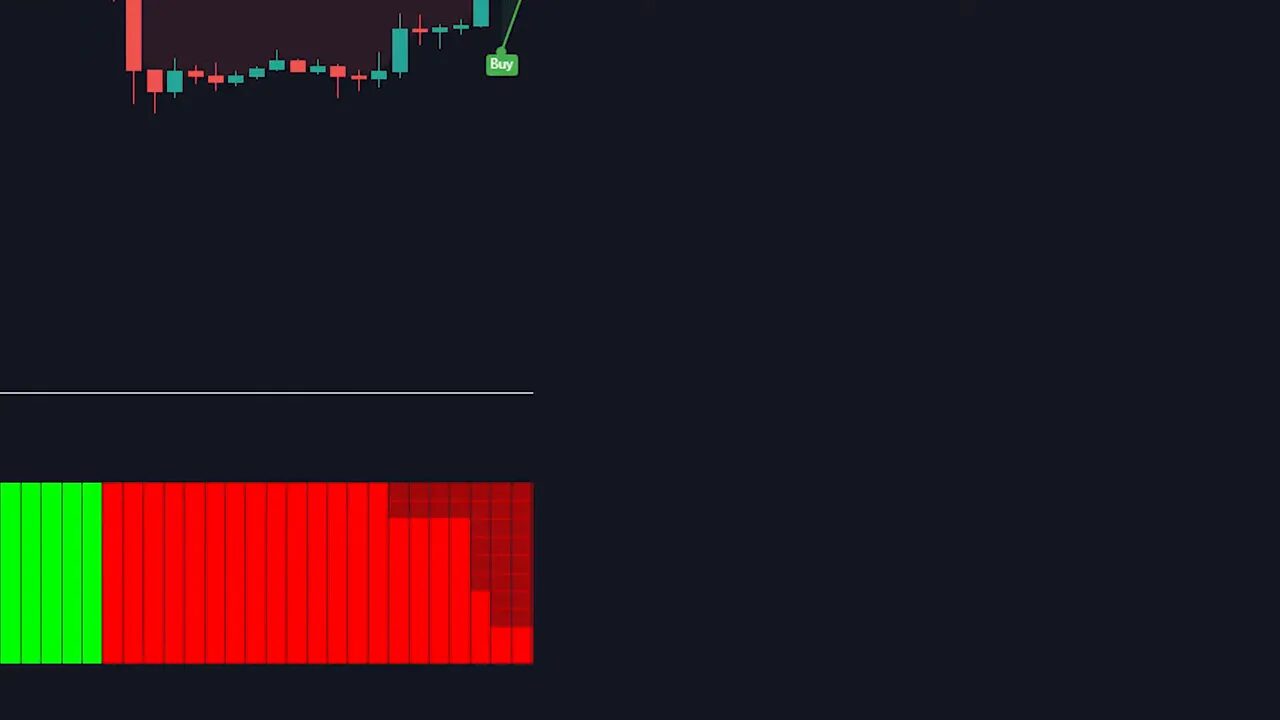
The Donchin Trend Ribbon paints bars green or red to show trend direction. It is one of the Best Confirmation Indicators for short and long timeframes because of how quickly it reads momentum. Use it to confirm SuperTrend signals or candle pattern breakouts.
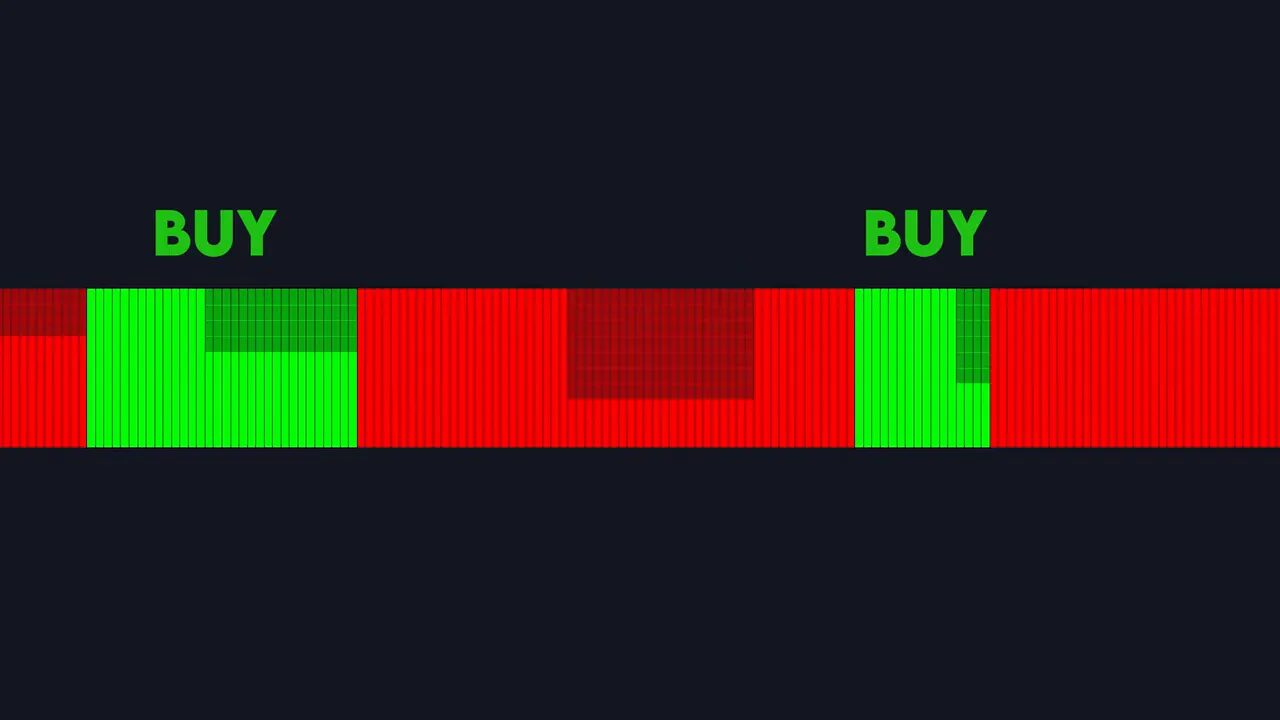
When SuperTrend flips to buy but Donchin bars are red, skip the trade. When both agree, you have a much higher probability setup. Keep defaults and let the ribbon do the heavy lifting.
3. FMS System — configurable, multi-indicator grid
FMS System displays rows of rectangles, each representing an indicator like EMA cross, RSI, SMA 200, or pivots. You can enable up to 10 components and create a customized confirmation panel. A full row of green rectangles equals a strong buy.
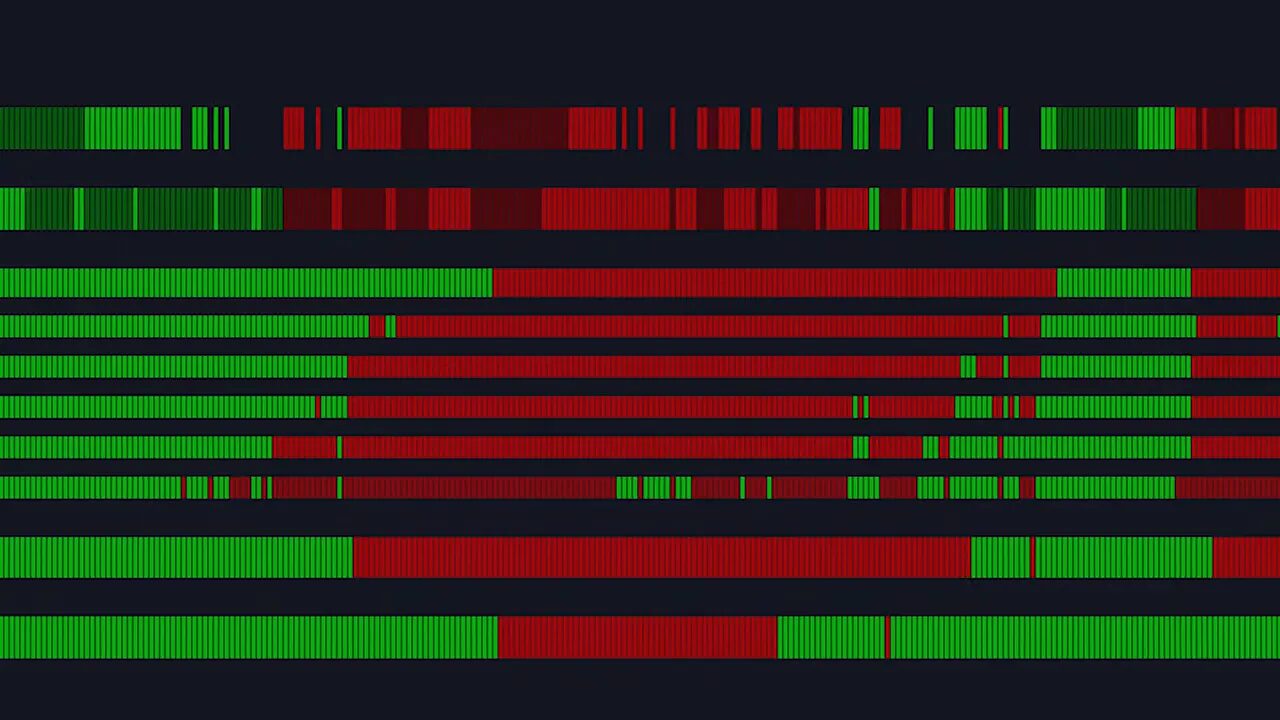
This tool is versatile across all timeframes. Disable components you dislike and only require the ones that match your strategy. Pair FMS with SuperTrend or your moving averages to filter out consolidation traps.
4. HaCult — long-term trend confirmation
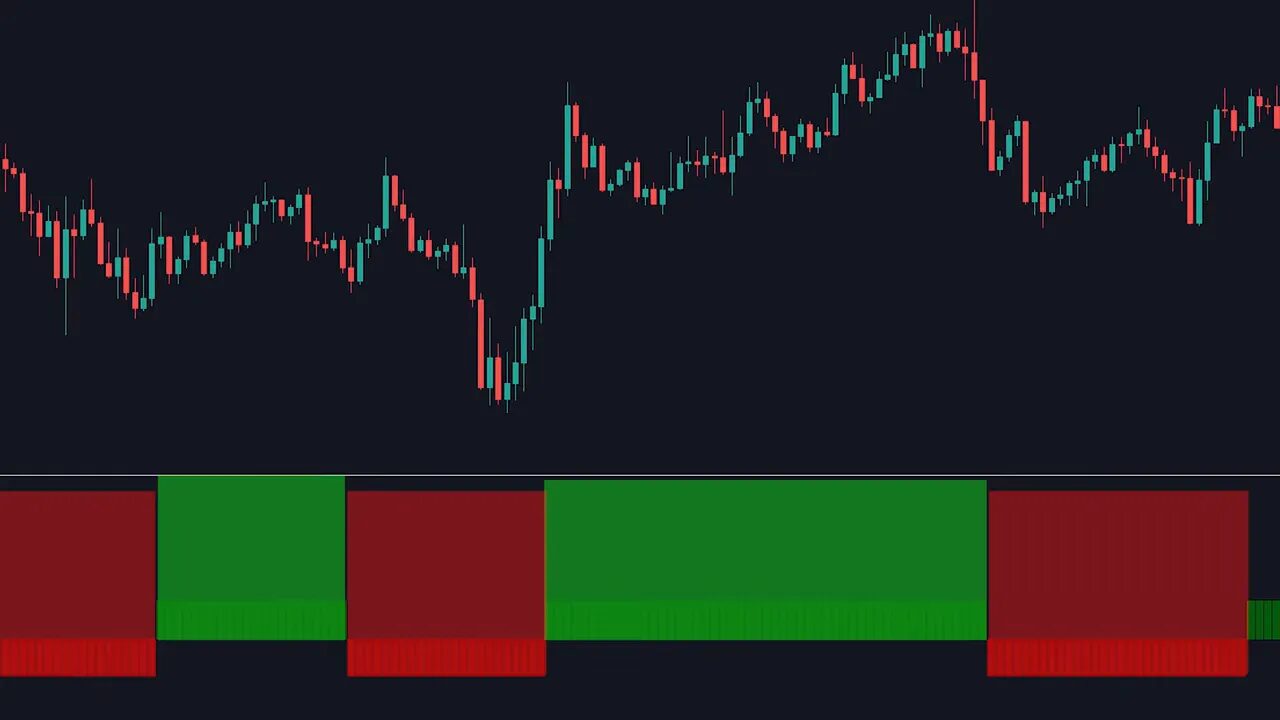
HaCult is built for longer trades on hourly charts or higher. It clearly colors the trend and performs best on clean, directional sessions. Use HaCult to hold through trends and avoid punishing countertrend entries.
Practical rules when using these indicators
- Never use confirmation indicators as the sole entry trigger. They confirm, not originate.
- Match the indicator timeframe with your trade horizon. Higher timeframes = stronger signals.
- Combine one fast filter (Donchin or FMS) with one higher-timeframe filter (Trend Meter or HaCult).
- Backtest combinations on the assets you trade before risking real capital.
For crypto traders, combining these Best Confirmation Indicators with curated trade ideas can be powerful. If you want trade-ready entries, consider integrating curated crypto spot trading signals to surface high-probability setups on multiple blockchains and then apply the indicators to confirm timing and direction.
Which timeframe is best for these confirmation indicators?
All of them work across timeframes, but the higher the timeframe the more reliable the signal. Donchin and FMS are useful on lower timeframes too; Trend Meter and HaCult perform best on hourly and daily charts.
Can I use confirmation indicators by themselves?
No. Use them to confirm your primary strategy. They are filters that reduce false breakouts, not primary entry signals.
How do I set up these indicators on TradingView?
Open the indicators panel, search by name (Trend Meter, Donchin Trend Ribbon, FMS System, HaCult), add to your chart, and keep defaults unless you need to customize. Disable unwanted sub-indicators in FMS or hide signal markers in Trend Meter for a cleaner display.
Will these indicators improve my win rate?
They can significantly reduce false breakouts and improve trade quality when paired with a sound base strategy and good risk management. Test combinations to find what works for your market and timeframe.
Final checklist
- Pick a primary entry strategy (EMA cross, SuperTrend, breakout).
- Choose one confirmation indicator for momentum and one for trend direction.
- Require full agreement before entering the trade.
- Use position sizing and stops; no indicator eliminates risk.
These Best Confirmation Indicators are simple but powerful. Use them to filter entries, avoid false breakouts, and trade with greater conviction.